VectoUI Design Upload and Usage Guide
Learn how to upload designs, manage and share them in My Space, and use them in a target platform.
VectoUI Design Upload and Usage Guide
This guide explains how to upload designs from design tools to VectoUI, manage and share them in My Space, and use them in a target platform. A target platform is the software or project environment where you generate UI, such as Unity.
Prepare API Key
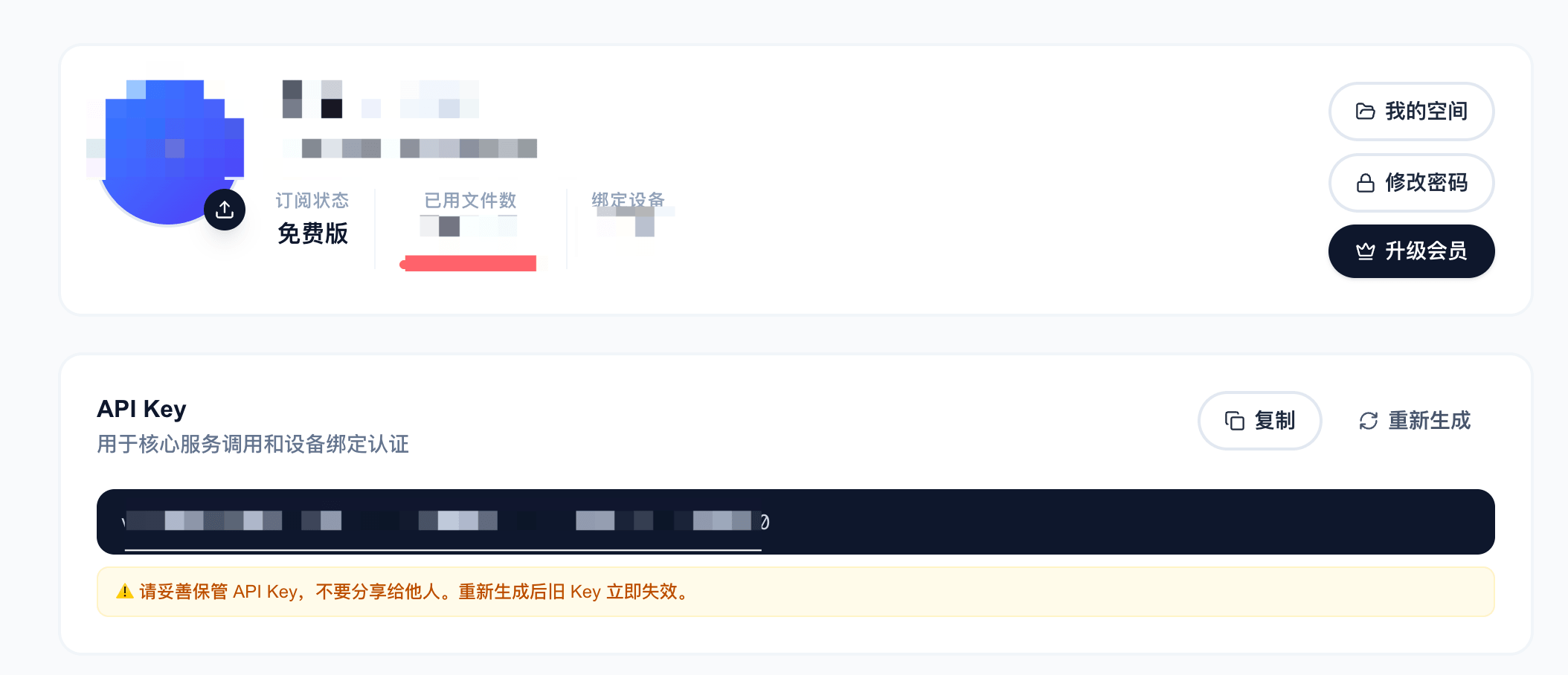
After signing in to VectoUI, open your account center to view your API Key. Design tools and target platforms both use API Key to access your designs.
Upload Designs
Enter your API Key in the Sketch or Photoshop plugin, choose a project path, and upload the design. The default project path is workspace. You can also create a new top-level project path from the plugin or My Space.
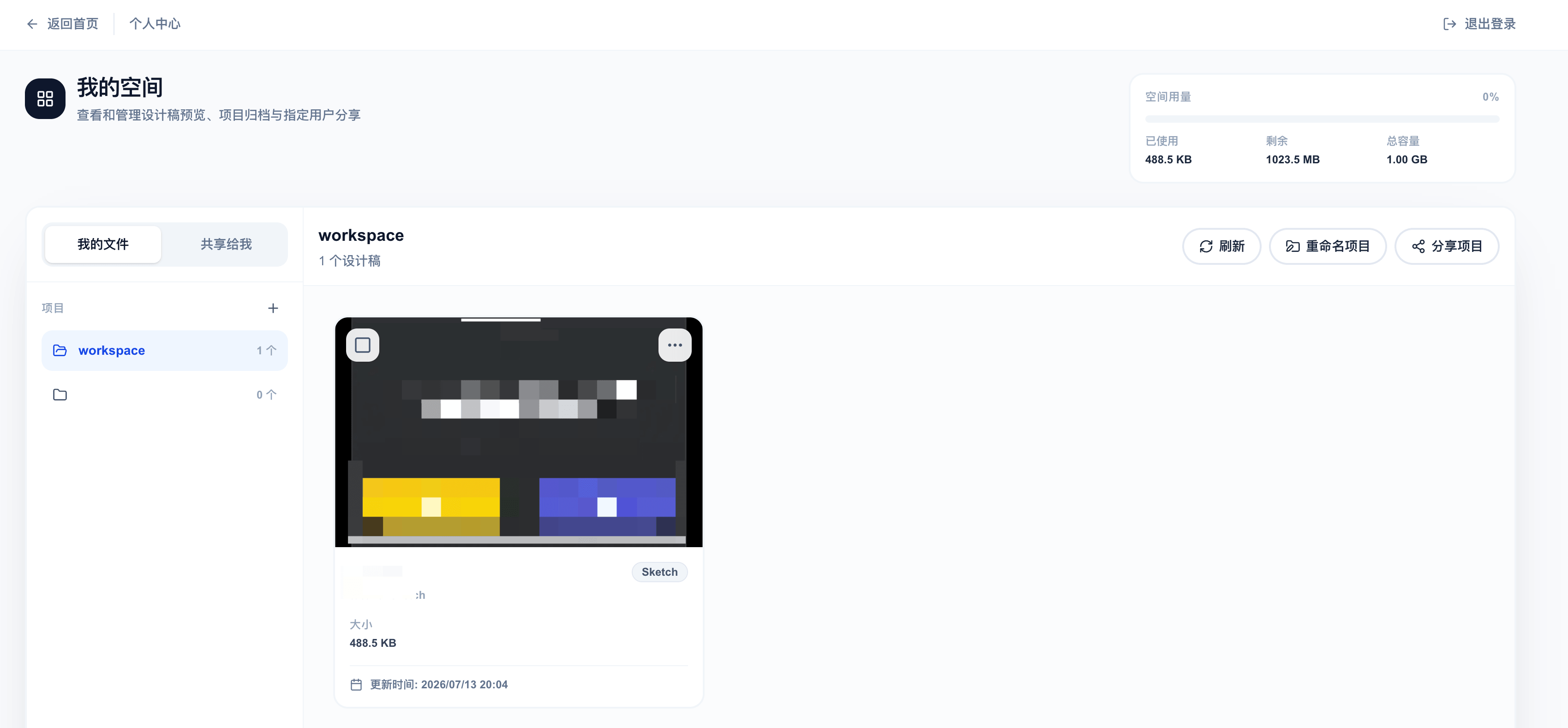
After upload, the design appears in My Space.
Manage in My Space
My Space is where you view and manage uploaded designs. It shows management information such as preview, name, size, updated time, and project path.
Share with Selected Users
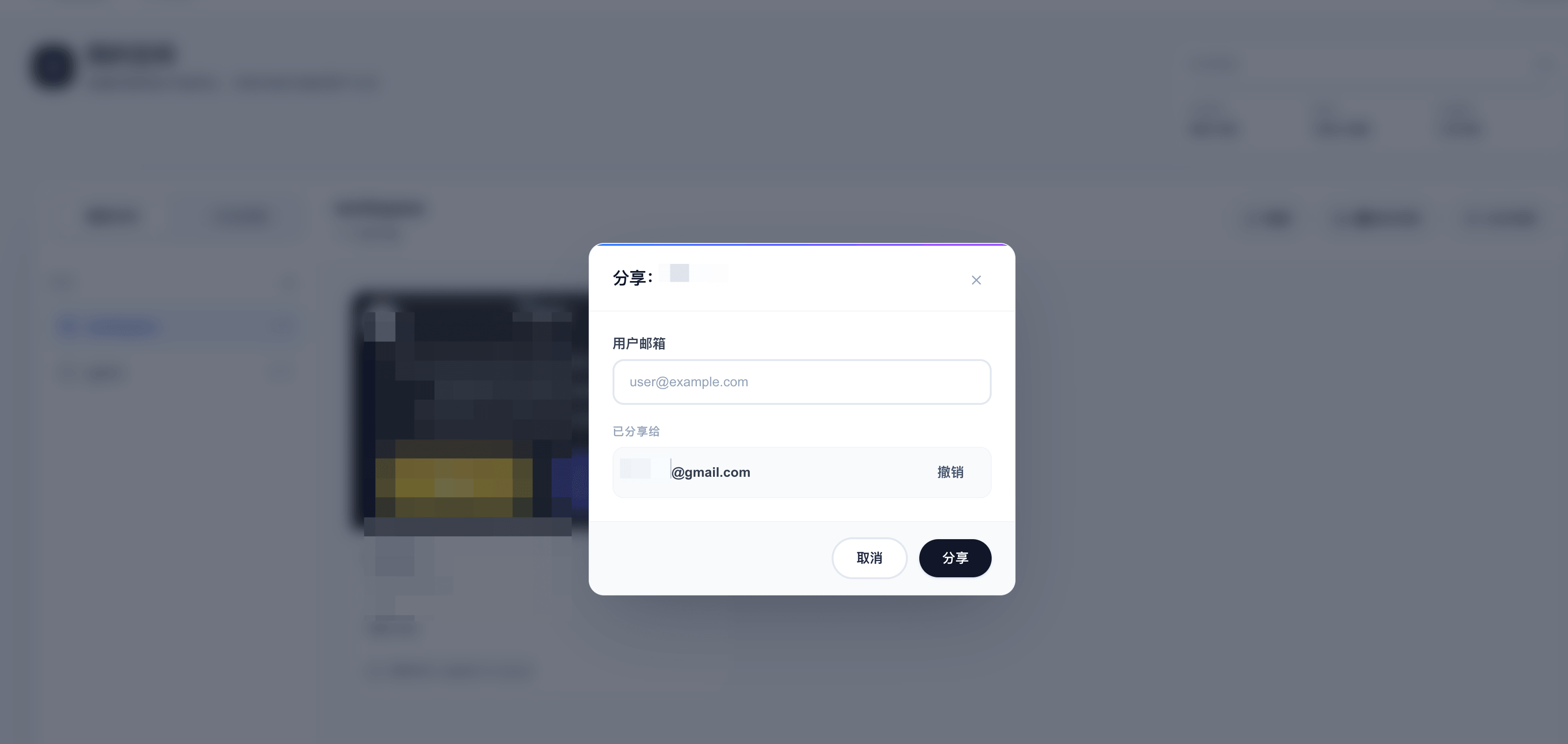
You can share a design or project path with a selected VectoUI user email. VectoUI does not provide anonymous public share links. The recipient needs to sign in and view the shared content from Shared with Me.
The recipient can view shared content in My Space and use shared designs in a target platform that supports the VectoUI source.
Use in a Target Platform
Enter your API Key in the target platform and switch the source to VectoUI. API Secret is generated automatically and does not need to be entered manually. After setup, you can access your own designs and designs shared with you.
Unity is currently supported, and more target platforms will be supported later.
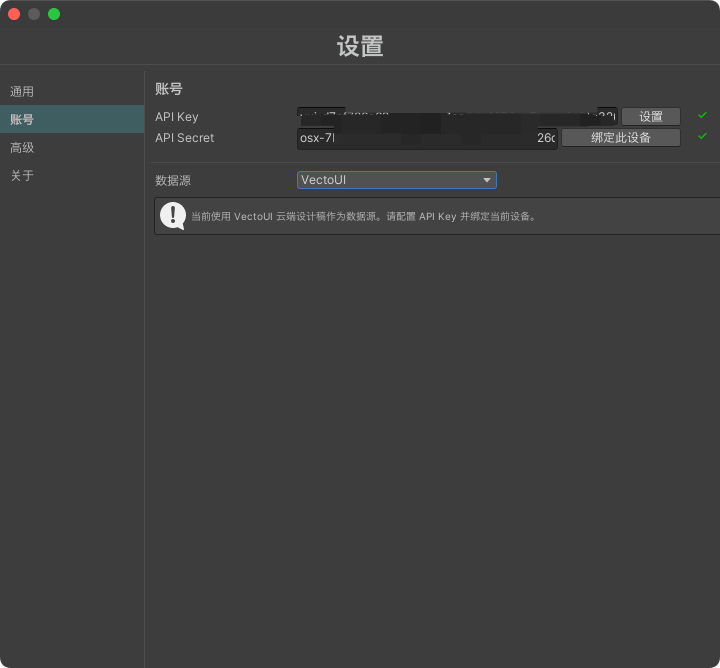
After choosing a project path, the target platform shows available design information, including preview, name, size, and updated time.
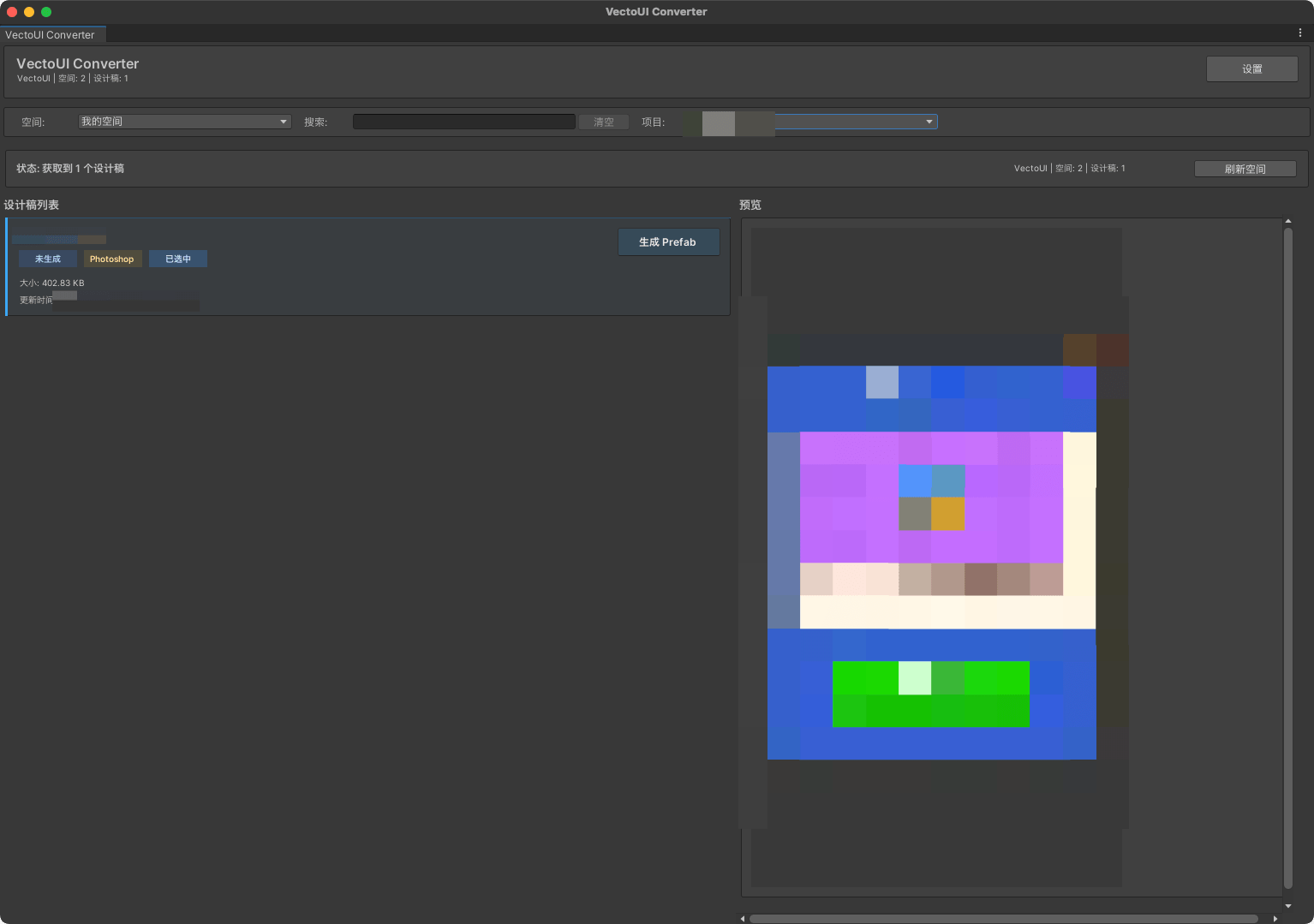
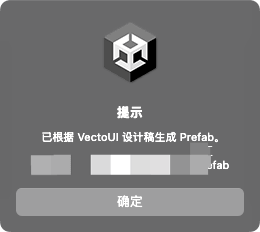
Select a design to generate UI for the corresponding platform. For platform-specific steps, see the guide for that platform.
Deletion and Storage Usage
My Space shows your storage usage. Uploading the same design again currently overwrites the previous content. Deleting a design releases its storage usage.
FAQ
Does My Space show the full design content?
No. My Space only shows design management information.
Can I create a public share link?
No. Sharing is currently limited to selected VectoUI user emails.
Does a target platform save the full design?
No. A target platform reads only what is needed during use and does not save the full design as a local file. Generated results are saved according to the rules of that platform.